


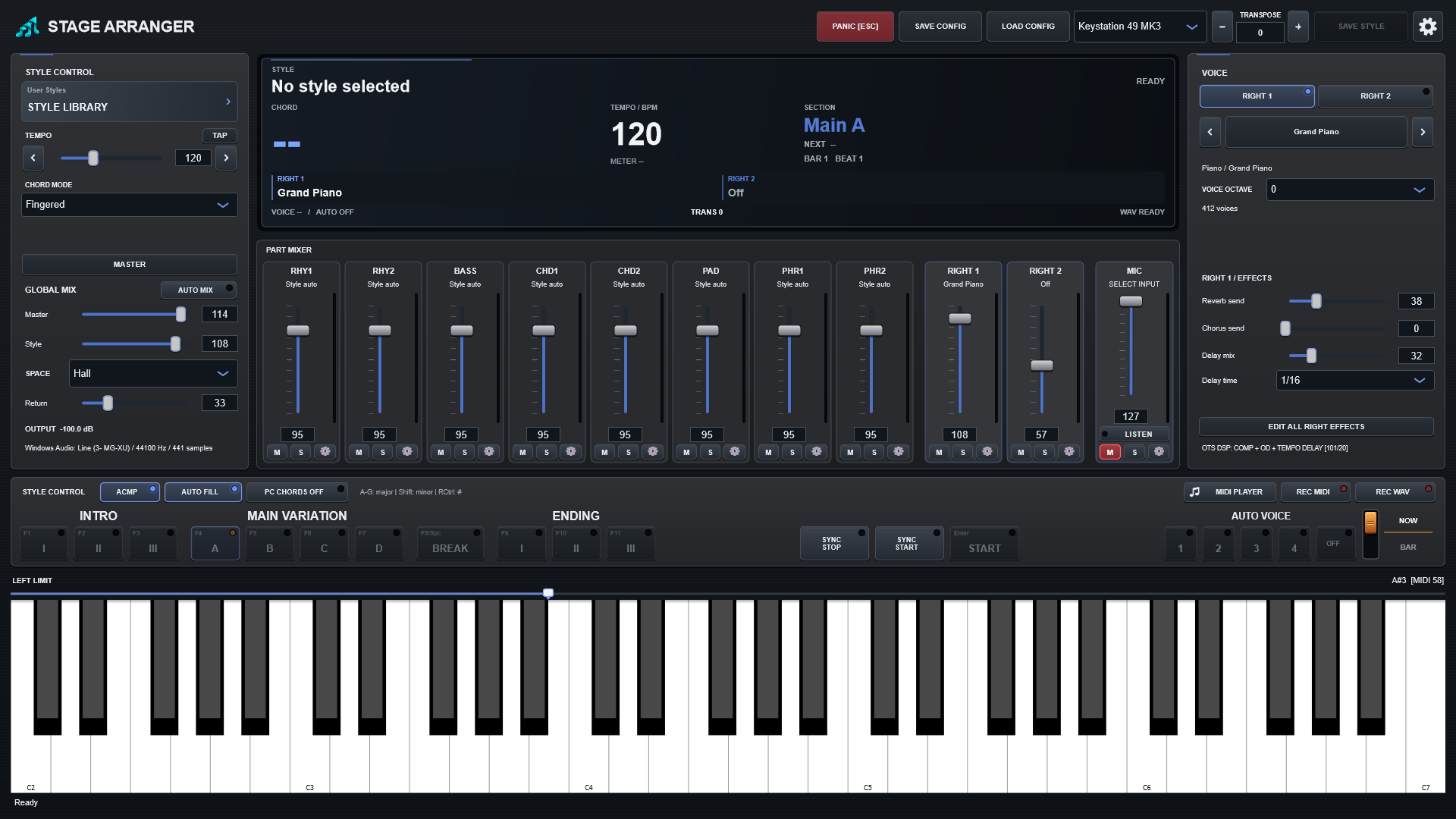
Stage Arranger has two different recorders because MIDI performance data and final stereo audio serve different purposes.
REC MIDI
REC MIDI captures the transformed accompaniment plus RIGHT1/RIGHT2 to a Standard MIDI file. Program and bank information are included so Stage Arranger can reconstruct the recorded instrumental setup during playback.
By default, recorded MIDI belongs in your Music library rather than the application-data folders. MIDI does not embed the audible Hall, Chorus, Delay or other final audio effects.
REC WAV
REC WAV captures the final stereo master output. This is the recorder to use when you want the result you actually hear from Stage Arranger.
MIDI first, WAV second
- Record the accompaniment to MIDI.
- Open that MIDI in the Stage Arranger Player.
- Select a live RIGHT voice.
- Optionally enable a microphone.
- Press REC WAV and perform the missing live part.
This workflow is useful when one musician cannot comfortably play the accompaniment, solo part and vocal at the same time.