


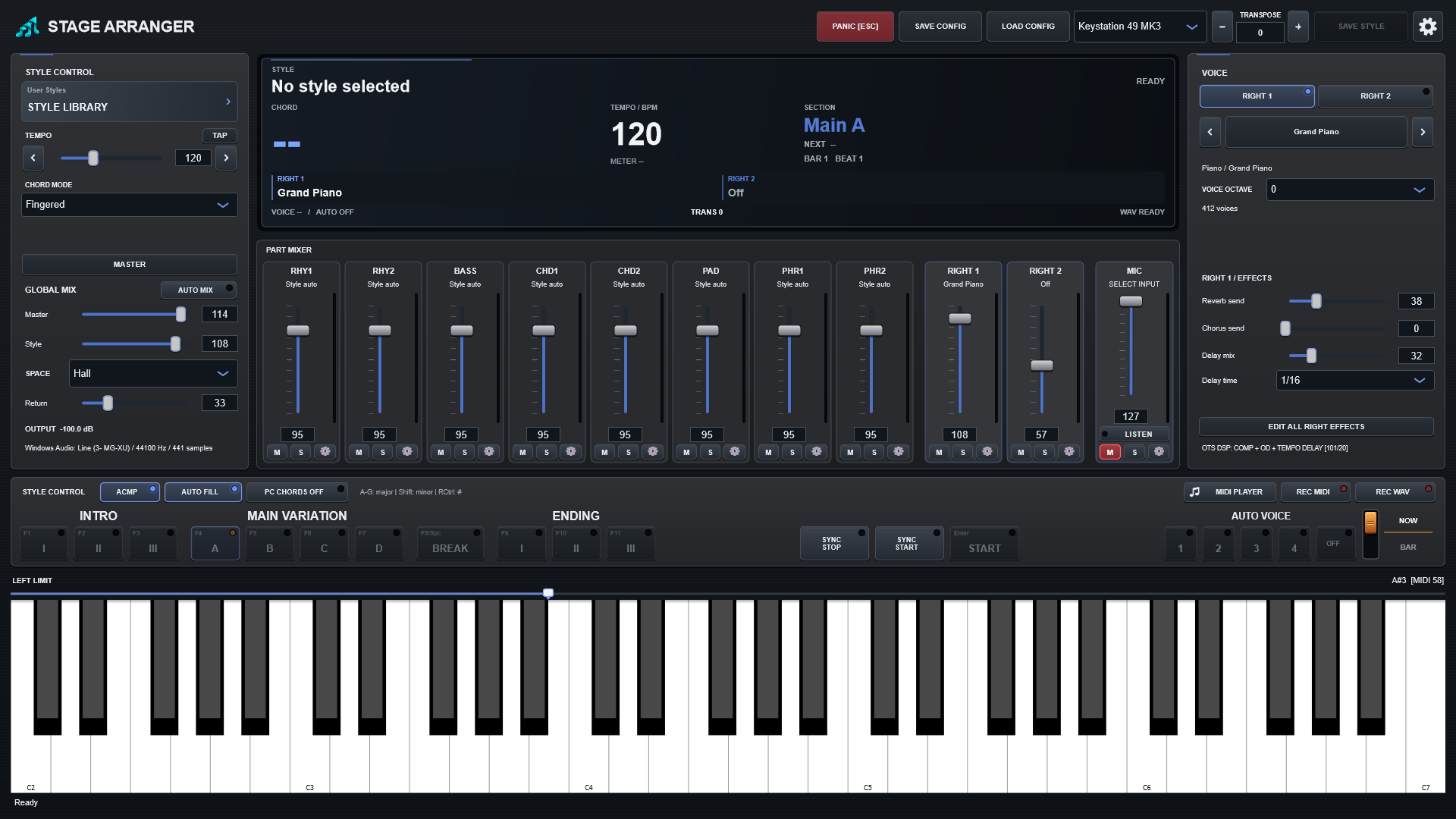
SAVE CONFIG and LOAD CONFIG
- Prepare the style, bank, live voices, keyboard split, mixer and Master processing.
- Press SAVE CONFIG and name the JSON file for your song or set.
- Later, select the matching sound bank and press LOAD CONFIG.
- Choose the file. Playback stops while the setup is restored.
What is restored
| Control / setting | What it does |
|---|---|
| Style and bank | Style reference and sound-bank identifier. Samples and style files are not embedded. |
| Keyboard | LEFT LIMIT, UPPER OCTAVE, individual RIGHT voice octaves, transpose, chord mode and PC Chords. |
| Arranger | Tempo, ACMP, Stop ACMP, Sync Start/Stop, Auto Fill, Auto Voice link and Auto Mix state. |
| Voices and Auto Voice | RIGHT1/RIGHT2 voices, current Auto Voice slot, insertion DSP types/parameters and the four-slot session edits. |
| Musical mixer | Levels, mute/solo, pan, HPF/LPF, local EQ, supported sends and compatibility fields for previous effects. |
| Accompaniment | Eight octave shifts, manual voice replacements and editable XG Variation parameters. |
| Global mix | Master and Style volume, shared environment type and Return. |
| Master processing | Five EQ gains, compressor enable, threshold, ratio, attack/release and makeup. |
| Microphone | Level, mute/solo, pan, filters/EQ, sends, Listen/Monitor, input gain and delay division. |
| Devices | MIDI input name and audio-device configuration. Devices and drivers must still be available. |
What is not embedded
No sample library, plug-in binary, recorded MIDI/WAV, playback position or guaranteed external-device state is included. Keep the style at its expected location. Resolve a missing style or mismatched bank before loading; the program reports those problems rather than intentionally restoring an unrelated setup. Old configuration fields do not reactivate the retired experimental chord-response controls.
Which save operation?
| Control / setting | What it does |
|---|---|
| SAVE CONFIG → JSON | Supported application state, including local processing. Does not rewrite the source style. |
| SAVE STYLE → style | Supported edits to existing Auto Voice slots; source accompaniment data is retained. |
| REC MIDI → MIDI | Performed musical events; not the rendered audio effects. |
| REC WAV → audio | Final stereo sound, not an editable performance configuration. |
Keep referenced styles and banks separately when backing up a configuration.